Changing text within the Block Editor
Question: how can I change text within the Block Editor itself?
Question: how can I change text within the Block Editor itself?
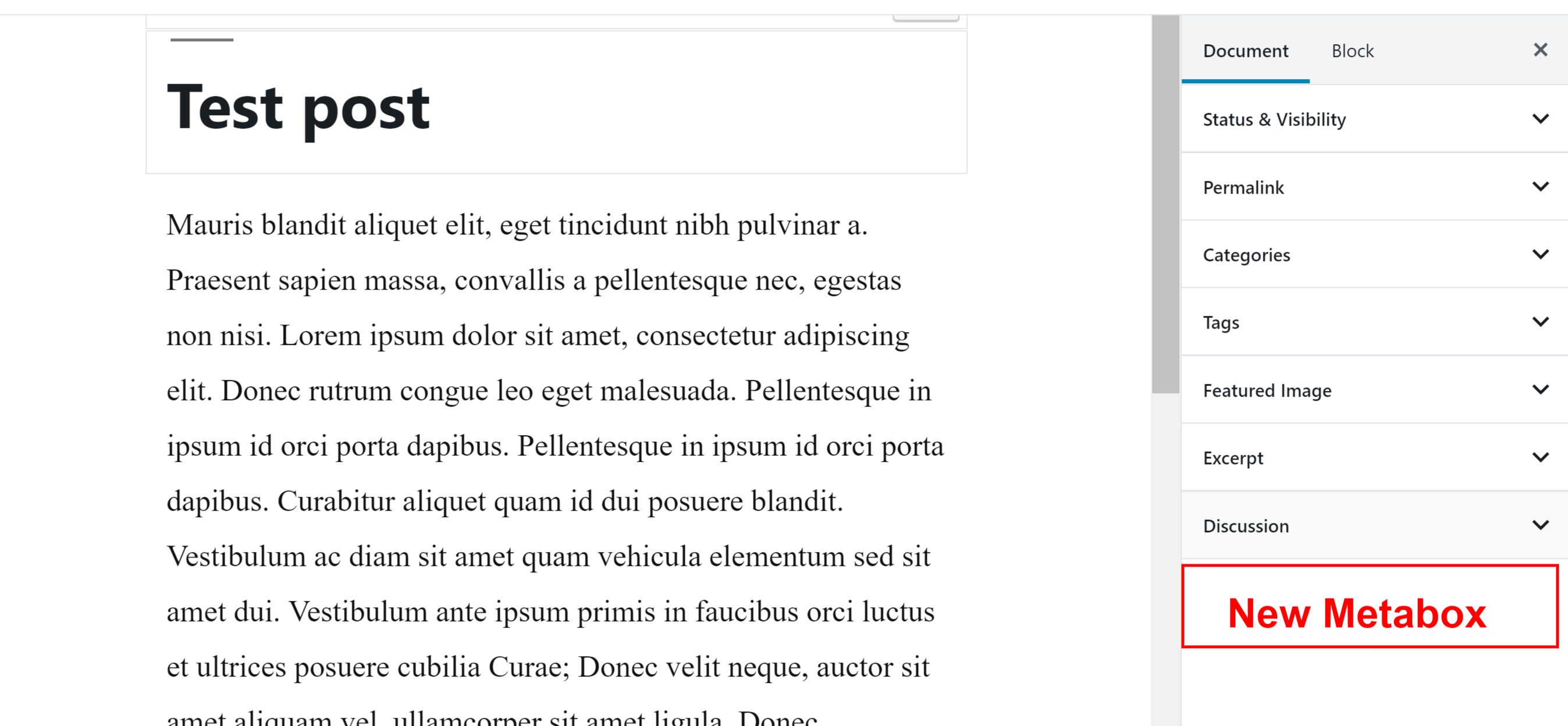
When the Block Editor was added to WordPress, custom and core meta boxes became legacy, meaning, using the remove_meta_box() function won’t work when removing meta boxes/panels displayed on the post editing screen.
How can I use getEntityRecords for user data?
So I have a metabox which I want to trigger some Javascript when a post is saved (to refresh the page in this use case.)
I am able to successfully use wp.hooks.applyFilters() and wp.hooks.addFilter(), but I’m not able to render a React Component using wp.hooks.addAction(). However, the console.log() runs just fine within the callback for an action. This is my code:
I’m working with the latest Gutenberg and WP and until last week, the code below worked as expected.
dangerouslySetInnerHTML is React’s replacement for using innerHTML
in the browser DOM. In general, setting HTML from code is risky
because it’s easy to inadvertently expose your users to a cross-site
scripting (XSS)
attack. So, you can set HTML directly from React, but you have to type
out dangerouslySetInnerHTML and pass an object with a __html key,
to remind yourself that it’s dangerous.
I’m wanting to add some functionality to the featured image block in the Gutenberg editor. There are a handful of posts online about how to do this, including a question/answer here on StackExchange (3rd item).
I have a plugin installed that adds additional custom block types that can be used in the Gutenberg editor (the plugin is called Block Lab). Now I want to remove that plugin. For that, I have to remove all the used instances of those blocks. Is there a way to find all the occurrences of a used block type?