Dependencies not installed in Visual Studio
I’m currently upgrading my ASP.Net RC1 to ASP.Net Core RC2. The Solution Explorer in Visual Studio is giving me a warning of “Dependencies – not installed” with subfolder “npm – not installed”.
I’m currently upgrading my ASP.Net RC1 to ASP.Net Core RC2. The Solution Explorer in Visual Studio is giving me a warning of “Dependencies – not installed” with subfolder “npm – not installed”.
When I add new WebForm to my project, I get the following error:
I have a website that I’m developing with ASP.NET. I’m using Visual Studio 2015. When I right-click and hit publish website the site publishes correctly except that my resources folder gets left behind. Heres what the solution explorer looks like in Visual Studio
I am starting a new ASP.NET 5 Preview template to play with client side development.
I am trying to make an ASP.NET 5 site use visual studio 2015 preview, and i want to add dll at local file system to the ASP.NET 5 project. But i can’t find this option, Is it no longer possible to add local dll? If yes, why?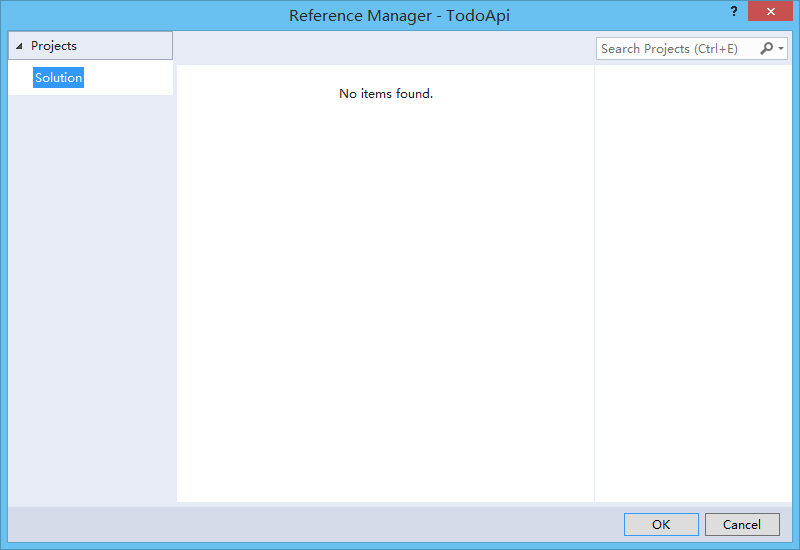
I have this error since today in a project which I have worked for months and has always worked.