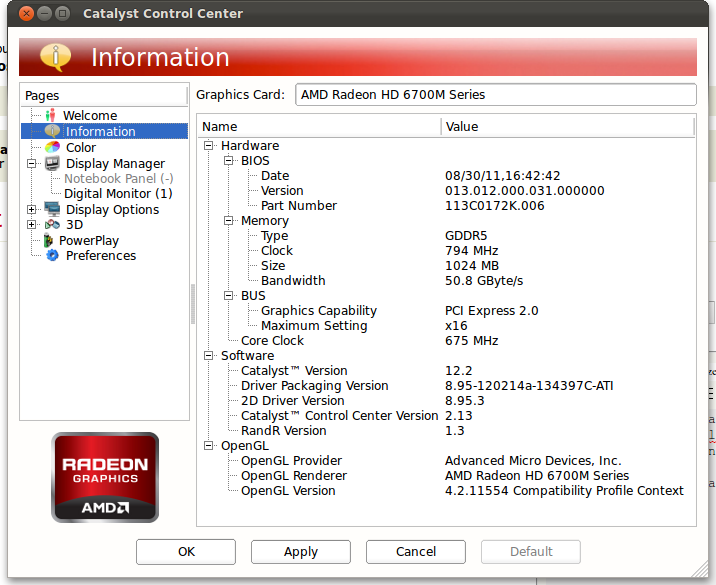
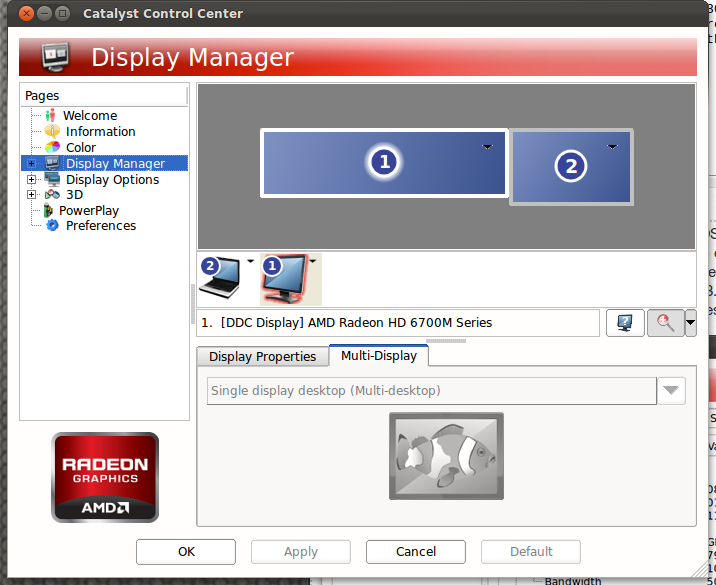
I just purchased a TripleHead2Go and configured it using OSX. What this box does is simply take 1-3 multiple external monitors and combine their signal into one single resolution. I’m using two external 1920×1080 displays with it, bringing my display size to 3940×1080, alongside my laptop’s regular display of 1920×1200. My laptop is running FGLRX 8.95 with Catalyst 12.3, the video card is an AMD Radeon HD 6700M. Here’s what I’m looking at, presently:
Here is my xorg.conf file: http://pastebin.com/jgm9AwqN
Is there a way for me to “split” this massive display into two, virtual 1920×1080 displays so that windows will maximize properly, one to each monitor?
Answers:
Thank you for visiting the Q&A section on Magenaut. Please note that all the answers may not help you solve the issue immediately. So please treat them as advisements. If you found the post helpful (or not), leave a comment & I’ll get back to you as soon as possible.
Method 1
I just solved a similar issue here:
I used fakexrandr,
But I am seeing that some people are using fakexinerama
Method 2
The behavior you want to control (how windows behave) is controlled by the window manager, which gets its information from the server’s XRandR extension. Neither of these are likely to have any “hooks” that will let you alter anything. This reduces you to hacking the source. Altering what the server reports to the window manager seems really ugly — you do want it to report what it actually sees everywhere else. This leaves editing the window manager (or hiring someone else to do so, or asking upstream for some support). It shouldn’t be too unreasonable to hack in a special casing of RandR events to treat a 3940×1080 resolution as two 1920x1080s. Actually adding a configuration option that might be accepted upstream would be harder, of course.
So, unfortunately, I can’t think of a solution, unless you’re willing to dive into the code.
Method 3
Well, you could run a couple Xnest instances, and position them in your monster display so that each took up the space of the physical monitors. As long as you aren’t doing someting too graphic intensive, it’ll probably work just fine.
The Xnest wikipedia article is also worth a peek.
All methods was sourced from stackoverflow.com or stackexchange.com, is licensed under cc by-sa 2.5, cc by-sa 3.0 and cc by-sa 4.0