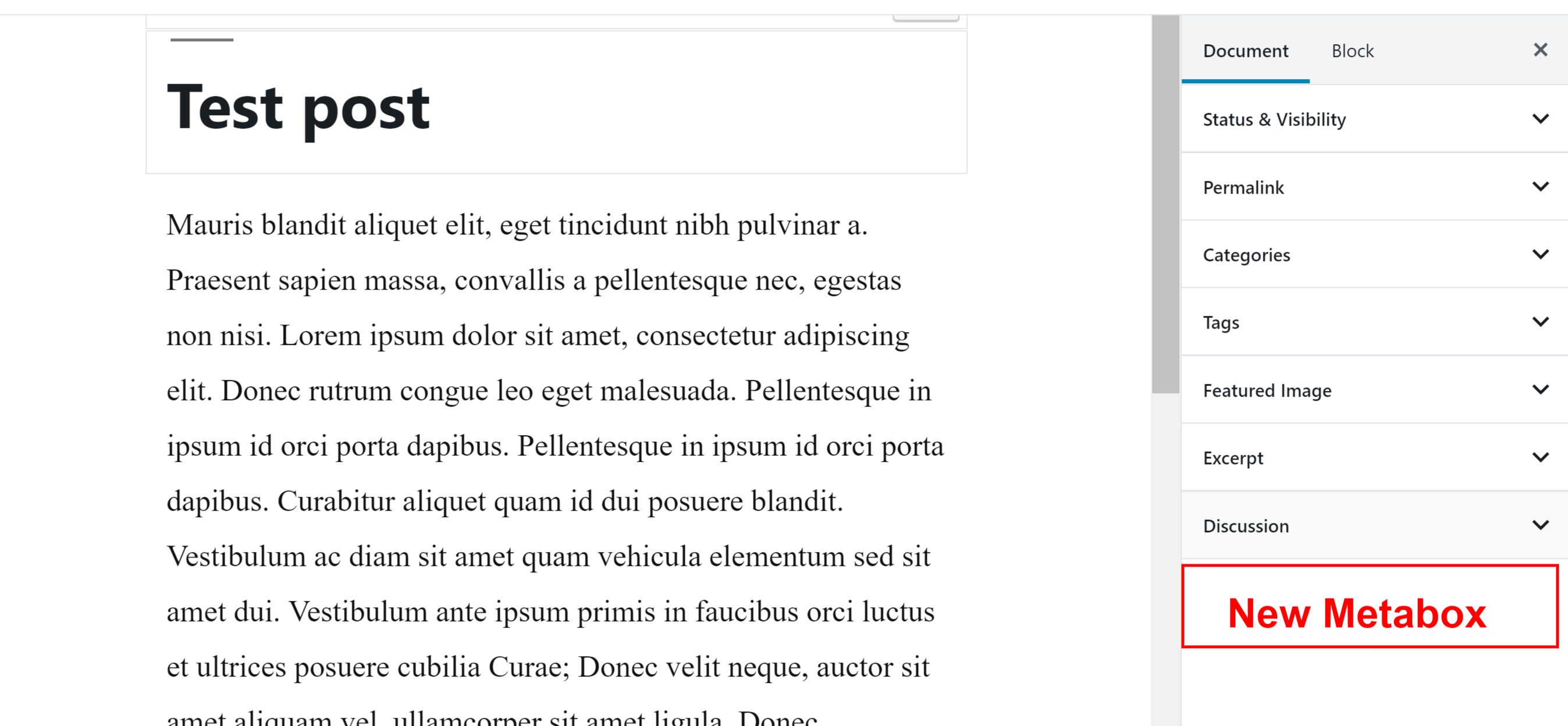
How to change default position of WP meta boxes?
Im wondering if there is a way to change the default position of WordPresses meta boxes such as “featured image” for custom post types without having to drag them manually?
Im wondering if there is a way to change the default position of WordPresses meta boxes such as “featured image” for custom post types without having to drag them manually?
I was wondering if there were any cut and dry rules to placing meta boxes? I have a meta box for a custom post type for a TV series that holds extra information for said series: when it began airing, genre, etc and I’m debating whether to place it under the editor or on the side. Are there any unofficial rules to what kind of meta box goes where or is it up to the developer’s discretion?
Because you can’t remove a meta box until it’s been added, it’s
important to make sure your call to remove_meta_box() happens in the
right sequence.
When the Block Editor was added to WordPress, custom and core meta boxes became legacy, meaning, using the remove_meta_box() function won’t work when removing meta boxes/panels displayed on the post editing screen.
I have registered a custom tax to my CPT. On the edit screen the tax meta box appears with an autocomplete field.
I’ve created some custom metaboxes for my post write screen. Is there any way to make some of them display collapsed by default?
I have created a custom post type and added various meta boxes/fields to this custom post type. All is working excellent except for one element…
I use the media uploader in a own meta-box for a custom post type called “premium”.
The Thickbox opens after a click of the button in the meta-box and files can be uploaded.
So I have a metabox which I want to trigger some Javascript when a post is saved (to refresh the page in this use case.)