Finding the PID of the process using a specific port?
I am installing hadoop on my Ubuntu system. When I start it, it reports that port 9000 is busy.
I am installing hadoop on my Ubuntu system. When I start it, it reports that port 9000 is busy.
I already asked a question about how to list all namespaces in Linux, but there wasn’t any correct and exact answers, so I want to find out a method which can help me to find out the namespace of PID of some process or group of processes. How can it be done in Linux?
I am trying to open Firefox in CentOS, but I’m getting the following message:
Using ps -aux or top, I can list other users running processes, but I’m neither running as root nor making use of sudo, why?
In the man page, it says: kill [ -s signal | -p ] [ -a ] [ — ] pid … pid… Specify the list of processes that kill should signal. Each pid can be one of five things: 0 All processes in the current process group are signaled And I tried like this in … Read more
/proc/sys/vm/swappiness is nice, but I want a knob that is per process like /proc/$PID/oom_adj. So that I can make certain processes less likely than others to have any of their pages swapped out. Unlike memlock(), this doesn’t prevent a program from being swapped out. And like nice, the user by default can’t make their programs less likely, but only more likely to get swapped. I think I had to call this /proc/$PID/swappiness_adj.
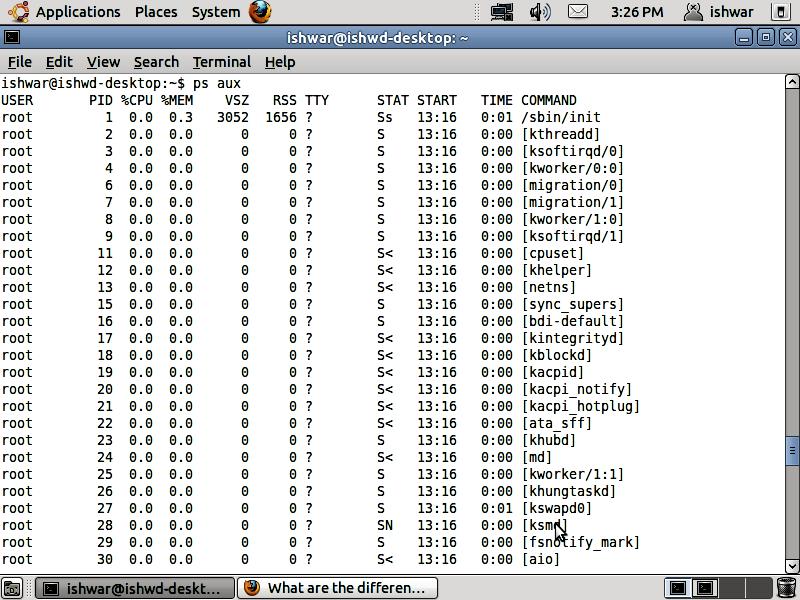
I use Ubuntu Server 10.10 and I would like to see what processes are running. I know that PostgreSQL is running on my machine but I can not see it with the top or ps commands, so I assume that they aren’t showing all of the running processes. Is there another command which will show all running processes or is there any other parameters I can use with top or ps for this?
Trying to understand the behaviour of the environment in Linux (Ubuntu 13.04 concretely), I’ve find different situations where setting envirionment variables are used or defined for/in different contexts. For example, if I check, locale, I get:
I am running an Ubuntu 12.04 desktop system. So far I have only installed some programs (I have sudo rights).