Pygame is running slow
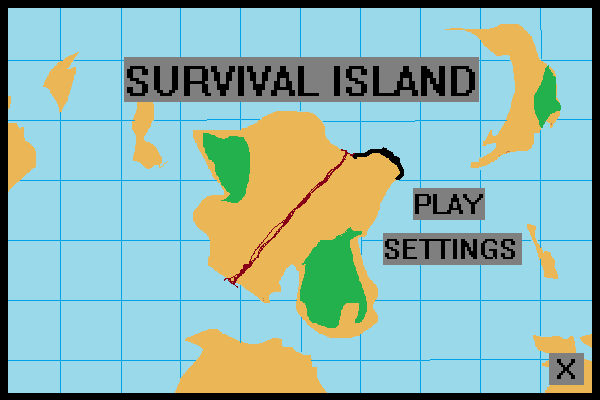
I am creating a game called “Survival Island” and have just created the start screen.
The pygame lags too much after doing an event (takes time to respond).
I am creating a game called “Survival Island” and have just created the start screen.
The pygame lags too much after doing an event (takes time to respond).
There is the image I’m importing :
I am messing around with pygame, and trying to create a simple jumping function (no physics yet).
I want to make my character jump. In my current attempt, the player moves up as long as I hold down SPACEv and falls down when I release SPACE.
I have a problem with collisions in my game, spaceship’s mask doesn’t collide properly with a background and I believe that offset is a problem, however I’m not sure.
I’m trying to get proper collision detection with rotating surfaces in pygame. I decided to try using masks. It somewhat works, but it is not as precise as I’d liked/thought. I tried updating the mask at the end of the cycle to get a “fresh” hitbox for the next frame, but it didn’t work as expected. What is my mistake?
I am getting this error whenever I attempt to execute my pygame code:
pygame.error: video system not initialized
I’m making an arcade game using pygame and I’m trying to have a sprite change positions every few seconds.
I’ve downloaded pygame-1.9.1release.tar.gz from the Pygame website. I extracted and installed it and it’s working fine in the command line Python interpreter in Terminal (Ubuntu). But I want to install it for some IDE, like PyCharm. How can I do it?
Is there a way to stop a function from calling print?